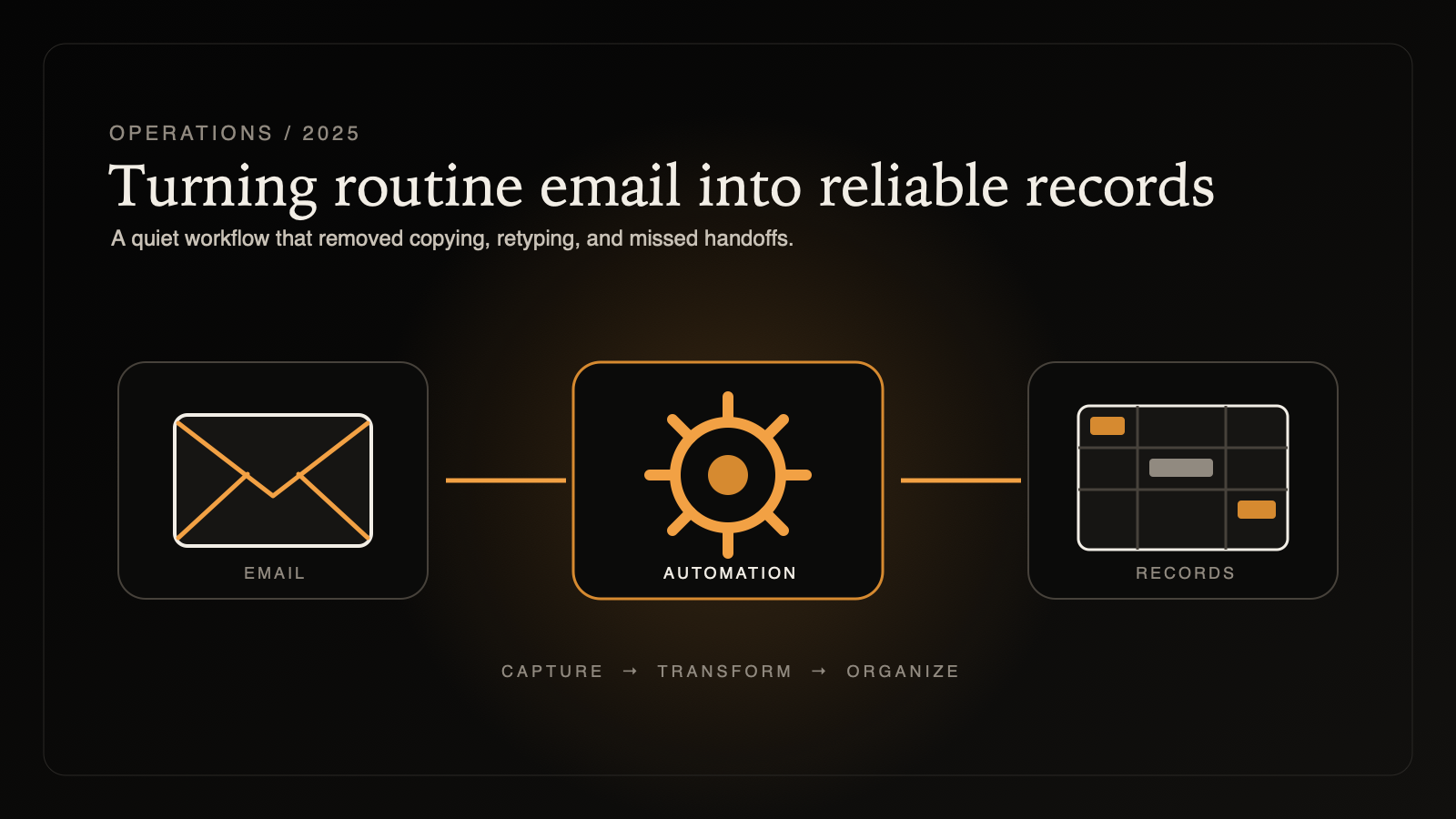
In October 2025, I worked on a small automation with a practical goal: turn job information arriving through Gmail into a structured Airtable record without asking someone to re-enter the same details by hand. Make connected the two services, but the value of the workflow depended on whether it could extract the expected fields from the test message.
The connector was the easy part
Connecting an inbox to a database does not automatically create useful data. An email is written for a person to read, while Airtable expects distinct values mapped into known fields. The automation needed to recognize the relevant text, extract it correctly for the tested message format, and send each result to the right place.
My role was to debug the workflow, refine the parsing logic, verify the field mapping, and leave behind a process the client could understand. This public article intentionally omits the client's identity, the source messages, the Airtable schema, and the information contained in real job records.
Simplifying the input before improving the parser
During testing, I switched the workflow to plain-text parsing. That removed formatting from the input before the extraction rules ran and made it easier to see exactly what the parser was receiving. A simpler source gave the debugging process a more stable starting point.
I then refined the regular-expression match pattern used to identify the values the workflow needed. The goal was not to build the most elaborate parser possible. It was to make the smallest dependable rule set for the actual message format, while keeping the steps visible enough to diagnose when that format changes.
Mapping is where automation becomes operational
Once extraction worked in the completed test, I reviewed the mapping between the parsed values and their Airtable destinations. A workflow can run successfully and still create a bad record if two fields are swapped, a value is empty, or text is stored in the wrong form. Each mapping therefore needed to be checked as part of the end-to-end result.
The completed test populated a new Airtable record with the expected mapped values. I also recorded a video walkthrough showing the workflow and the test result, giving the client a reference for how the scenario was assembled and how to inspect it later.
A tested workflow, with known boundaries
This milestone established an end-to-end tested automation. It did not make email a perfectly controlled data source. If the message template changes, the parsing rules and mappings still need to be reviewed, and production use should include a way to notice messages that fail or produce incomplete records.
The project reinforced a lesson I use in larger systems too: reliability often improves when the input is made simpler before more logic is added. Debugging the source, narrowing the parser, verifying every mapping, and documenting the result turned a promising connection into a workflow that could be evaluated with real evidence.