When browser support no longer covered ThirdLaw's preferred 360-degree viewing workflow on iOS, I began prototyping a dedicated application. PlatePros used SwiftUI and RealityKit to let users browse and preview immersive driving plates on an iPhone or iPad.
Separating the viewer from the data problem
Displaying 360-degree content was only part of the experience. The original video-library API limited how much metadata the app could retrieve at once, which made startup and browsing slower than the interface needed.
I introduced a backend cache that could gather and organize larger sets of library data before the app requested them. That reduced repeated external calls and gave the iOS interface a more predictable source for browsing and preview information.
A TestFlight-stage product
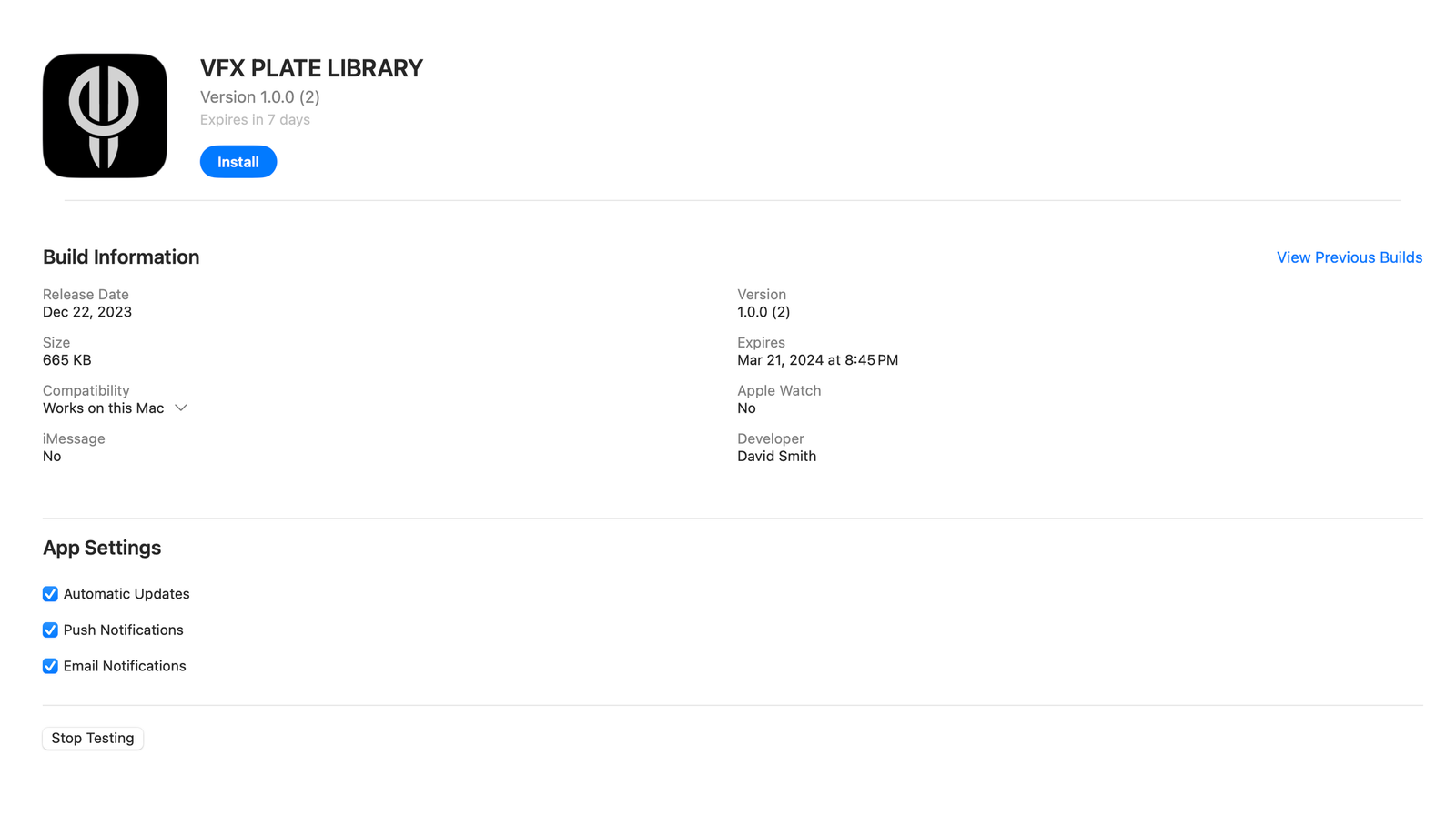
At the time of this milestone, the app was being evaluated through TestFlight. It demonstrated the viewing and data-loading approach, but this article does not present the prototype as a finished App Store release.
The project reinforced a lesson that applies beyond spatial video: interface performance often depends on reshaping the data path behind it. A smoother viewer required both an iOS experience and a backend designed around the limits of the source service.